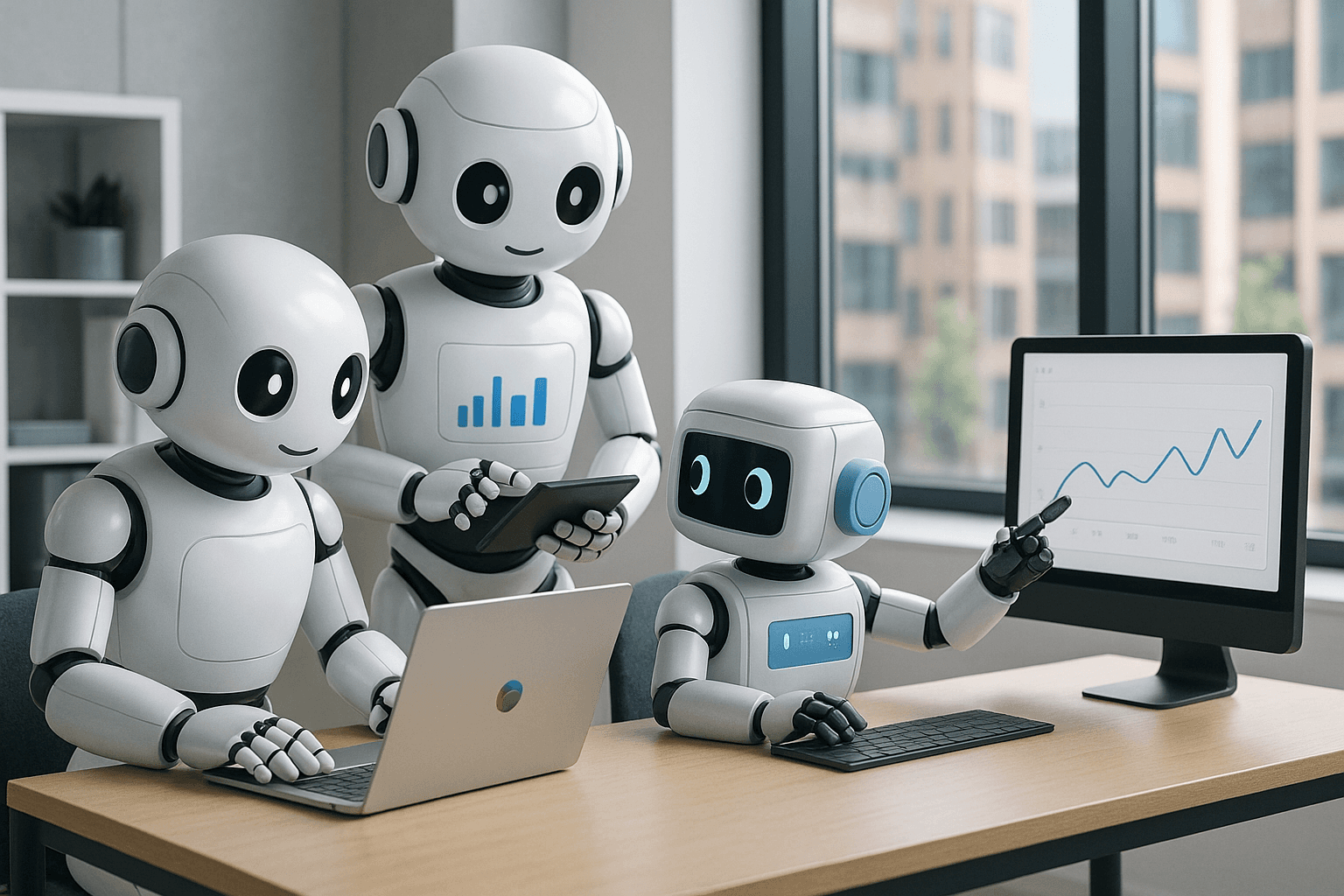
Integrating AI into Creative Workflows: Best Practices
Explore best practices for integrating AI into creative workflows, enhancing creativity and innovation.

Get the daily AI & tech briefing.
Understanding the Role of AI in Creative Workflows
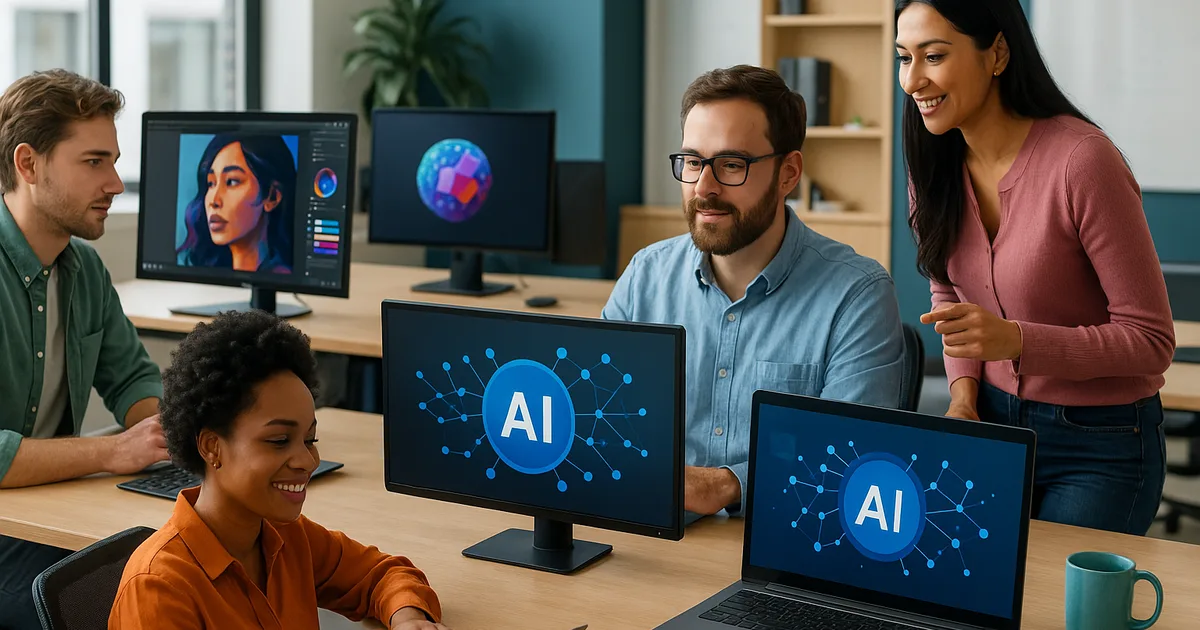
Integrating AI into creative workflows involves using technology to enhance creativity, streamline processes, and foster innovation. By thoughtfully embedding AI tools, creative professionals can unleash new levels of productivity and innovation. For a comprehensive overview of AI platforms available to creatives, refer to the Comprehensive Guide to AI Platforms for Creative Professionals.
Identifying Suitable AI Tools for Creative Processes
Selecting the right AI tools is crucial for effective integration. Programs like Adobe's Sensei or Runway ML offer unique features tailored for creative professionals. These tools can automate mundane tasks, provide creative suggestions, and analyze data with precision. To explore tools that are revolutionizing design and art, visit Top AI Tools Revolutionizing Design and Art.
Consider your specific needs. Are you looking to streamline video editing, enhance graphic design, or generate content? Different tools offer different strengths. For example, Runway ML provides powerful video editing features, while tools like Canva Pro are great for designing with AI assistance.
Establishing AI-Driven Collaboration Strategies
AI can redefine collaboration by acting as a virtual team member. Creative teams can use AI to share ideas, generate concepts, and refine projects in real-time. Platforms like Miro incorporate AI to promote collaboration across geographical boundaries.
Ensure that all team members are comfortable with the chosen AI tools. Training sessions and tutorials can be useful for demystifying AI capabilities.
Customizing AI Features to Fit Your Workflow
Customization is key to integration success. Many AI tools allow for tailored functions that fit specific creative processes. The ability to adapt AI solutions to your workflow can make the difference between cumbersome adoption and effective implementation. For insights into essential features to consider, see Essential Features of AI Platforms for Creatives.
For instance, Adobe's Creative Cloud AI features can be customized based on project needs, whether for image enhancements or layout adjustments.
Integrating AI with Existing Creative Platforms
A seamless workflow requires AI tools that integrate well with existing platforms like Photoshop or Final Cut Pro. Confirm that your chosen AI solutions offer plugins or integrations with the software you regularly use. This prevents disruptions and maintains productivity.
Here's a comparison of top AI tools and their compatibility with major creative software:
AI Tool | Compatible Platforms | Unique Features |
|---|---|---|
Adobe Sensei | Photoshop, Illustrator | Automated photo editing, design elements |
Runway ML | After Effects, Premiere Pro | AI-powered video editing |
Canva Pro | Web-based, integrates easily | AI design suggestions |
To explore more on comparing AI platforms, check out Comparing Popular AI Platforms for Creative Professionals.
Training Teams for Effective AI Tool Usage
Implementing AI isn’t simply about choosing the right tools; it's about equipping teams with the necessary skills. Offer training programs that focus on how to best utilize AI capabilities in daily tasks.
Encourage experimentation and allow teams to explore various AI features to discover optimal usage patterns.
Evaluating the Impact of AI on Creativity and Output
Understanding AI's influence on your creative output is crucial. Analyze how AI integrates into your creative process and evaluate its effects on quality and creativity. Regular feedback from team members can provide valuable insights into AI's impact.
Navigating Challenges in AI Workflow Integration
Integrating AI isn’t without challenges. Concerns about creativity being stifled or job displacement are common. Address these challenges by positioning AI as a tool that enhances rather than replaces human creativity.
Promote open discussions within your team about AI usage and continuously monitor industry trends for insights into evolving best practices.
Staying Informed About Future AI Developments
The world of AI is ever-evolving. Staying informed about new AI developments and emerging tools ensures your creative workflow remains cutting-edge. For future trends, visit Future Trends in AI for Creative Professionals.
Subscribe to AI newsletters, attend workshops, and participate in webinars to keep up with the latest trends and advancements.
Conclusion: Embracing AI for Future-Ready Creativity
Successfully integrating AI into creative workflows requires thoughtful selection of tools, collaboration strategies, and continuous adaptation. By approaching AI as a partner in creativity, professionals can unlock new levels of innovation and maintain a competitive edge in ever-changing creative industries.
Related Articles

Don't miss what ships next
The daily briefing on AI & tech, straight to your inbox.
Written by
Vunsh MehtaI’m a computer science student and developer focused on AI, automation, and emerging tech. I write about AI news, tools, and trends from a practical, builder-focused perspective.