Essential Features of AI Platforms for Creatives
Explore essential AI platform features for creative professionals, covering tools, usability, security, and cost-effectiveness.
Get the daily AI & tech briefing.
Understanding the Core Needs of Creative Professionals
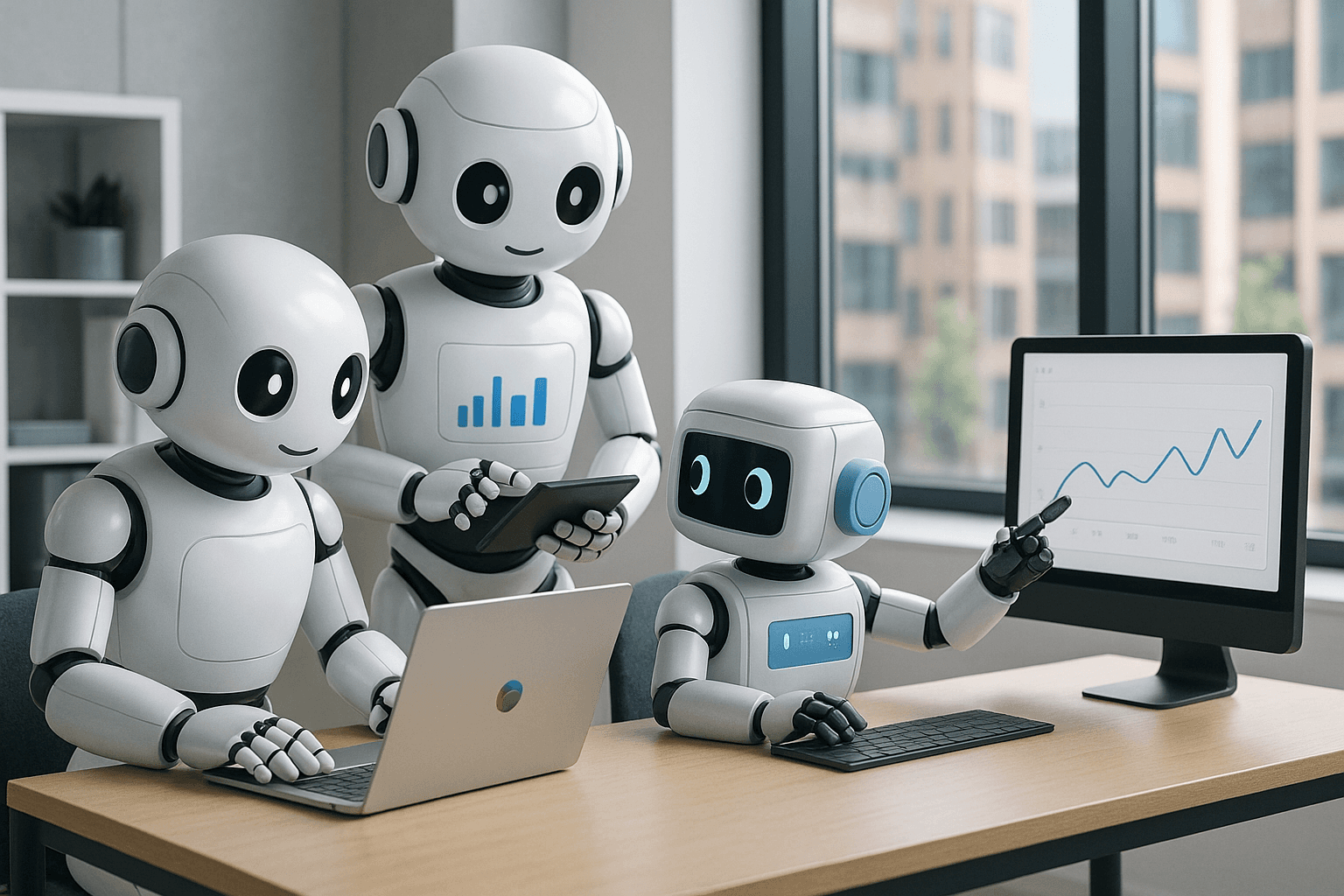
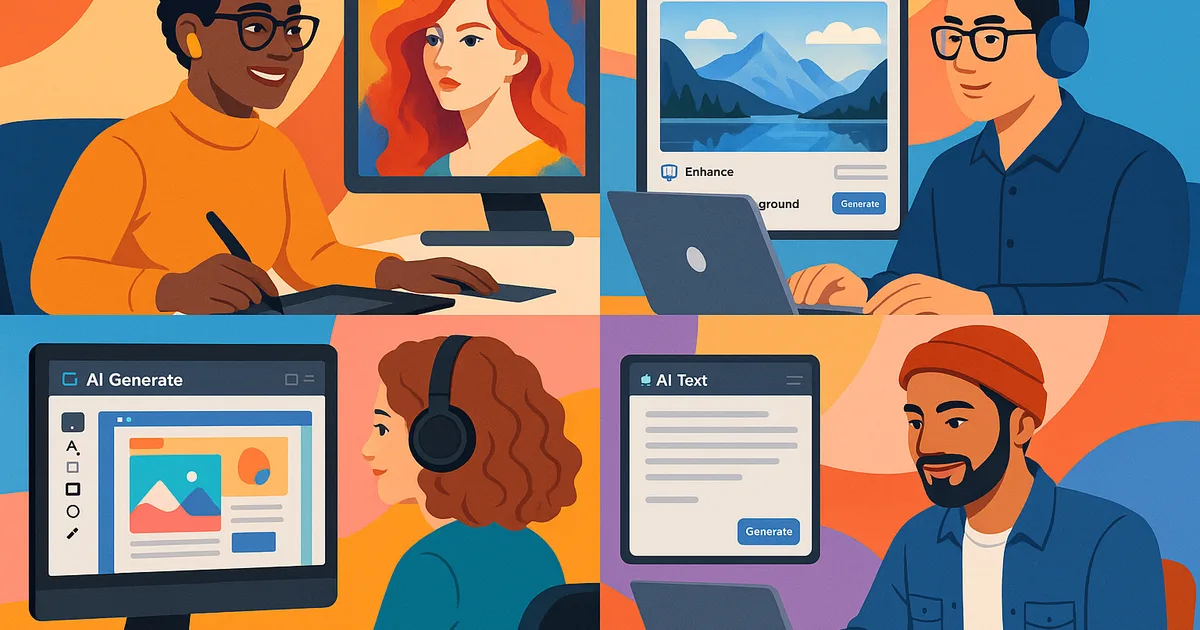
Creative professionals rely heavily on tools that enhance their artistic vision while streamlining their workflow. Whether you're a designer, writer, or musician, the emergence of AI platforms has created new possibilities. However, for an AI platform to be effective, some essential features must genuinely cater to creative tasks. To explore the variety of these platforms, you can refer to the Comprehensive Guide to AI Platforms for Creative Professionals.
User-Friendly Interface and Intuitive Design
Why Simplicity Matters
For most creatives, technology is a means to an end. An AI platform must have an intuitive design that matches creative workflows. It shouldn’t require hours of learning; instead, it should facilitate ease of use with minimal friction. For insights into how AI can be integrated into creative processes, see Integrating AI into Creative Workflows: Best Practices.
Elements of Intuitive Design
- Drag-and-Drop Functionality: Allows for quick arrangement and organization of assets and ideas.
- Customizable Workspaces: Users can modify interfaces to suit their unique tasks.
- Clear Navigation: A straightforward menu system and tools accessible with few clicks.
Advanced AI-Powered Tools and Features
How AI Enhances Creativity
AI should not replace creativity but enhance it. Tools powered by machine learning and neural networks can inspire new directions. If you're interested in specific tools, check out Top AI Tools Revolutionizing Design and Art.
Essential AI Features
- Image and Video Recognition: Automatically tag and organize creative assets.
- Natural Language Processing (NLP): Useful for writers to generate content ideas or perform language translations.
- Generative Design Tools: Assist designers in creating multiple versions or styles of a piece.
Collaboration and Integration Capabilities
Importance of Seamless Collaboration
Creatives often work in teams. AI platforms should facilitate easy collaboration, whether colleagues are in the same room or spread globally.
Top Collaborative Features
- Real-Time Editing: Multiple users can work on a project simultaneously without conflicts.
- Integrated Communication Tools: Built-in chat and video call functions help maintain a smooth workflow.
- Version Control Systems: Allow tracking and management of changes over time.
Interoperability with Existing Creative Tools
Ensuring Smooth Workflow
Many creatives have established toolsets they prefer. An AI platform must seamlessly integrate with these tools to prevent disruptions.
Key Integration Features
- APIs and Plug-ins: Enable the extension and customization of the platform.
- Cloud Synchronization: Ensures projects are updated across multiple devices and platforms.
Scalability and Customization
Why Flexibility is Crucial
No two creatives work the same way. Platforms should allow customization to accommodate varied needs and project scopes.
Customization Features
- Modular Tools: Users can add or remove tools as needed.
- Personalized Recommendations: AI generates suggestions based on unique user work patterns.
Security and Privacy Considerations
Protecting Creative Work
Creative professionals must ensure their work and ideas are secure from theft or loss.
Critical Security Features
- Data Encryption: Protects sensitive information from unauthorized access.
- Regular Backups: Keeps work safe against data loss.
- Privacy Controls: Customizable settings allow protection of intellectual property.
Cost-Effectiveness and Accessibility
Balancing Cost with Features
AI platforms must offer powerful features while remaining financially accessible, especially for freelancers and small studios.
Pricing and Accessibility Overview
Platform | Basic Plan Features | Advanced Plan Features | Cost Effectiveness |
|---|---|---|---|
Platform A | Image recognition, Base collaboration tools | Video editing, Premium support | Affordable |
Platform B | Text generation, Entry-level design tools | Enhanced plugins, White-label options | Mid-range |
Platform C | Basic analytics, Limited NLP | Full suite, Custom APIs | Premium |
FAQ
- What types of creatives benefit most from AI platforms?
AI platforms can benefit graphic designers, writers, musicians, and video editors, among others, by enhancing creativity and productivity.
- Can AI completely replace human creativity?
No, AI tools are designed to augment human creativity, not replace it. They provide new perspectives but rely on human input for creativity.
- Are these AI tools difficult to learn?
Most platforms are designed to be intuitive, ensuring they align well with existing creative processes without extensive training.
- How important is security in AI platforms for creatives?
Very important, as creative work and intellectual property need to be protected from unauthorized access and data loss.
- Is it costly to integrate AI platforms into existing workflows?
Costs vary, but many platforms offer scalable solutions to fit different budgets, especially considering the efficiency gains.
Related Articles


Don't miss what ships next
The daily briefing on AI & tech, straight to your inbox.
Written by
Zach GreeneI write about the tools, trends, and breakthroughs shaping the future of AI, breaking down complex ideas into clear, actionable insights. From emerging startups to the latest in AI tech, I focus on what actually matters and what’s worth paying attention to. My goal is to help you stay ahead in a rapidly evolving space.