The Best Free AI Image Tools for Content Creators on a Budget
Discover the top free AI image tools that help content creators produce stunning visuals without breaking the bank.
Get the daily AI & tech briefing.
The Best Free AI Image Tools for Content Creators on a Budget
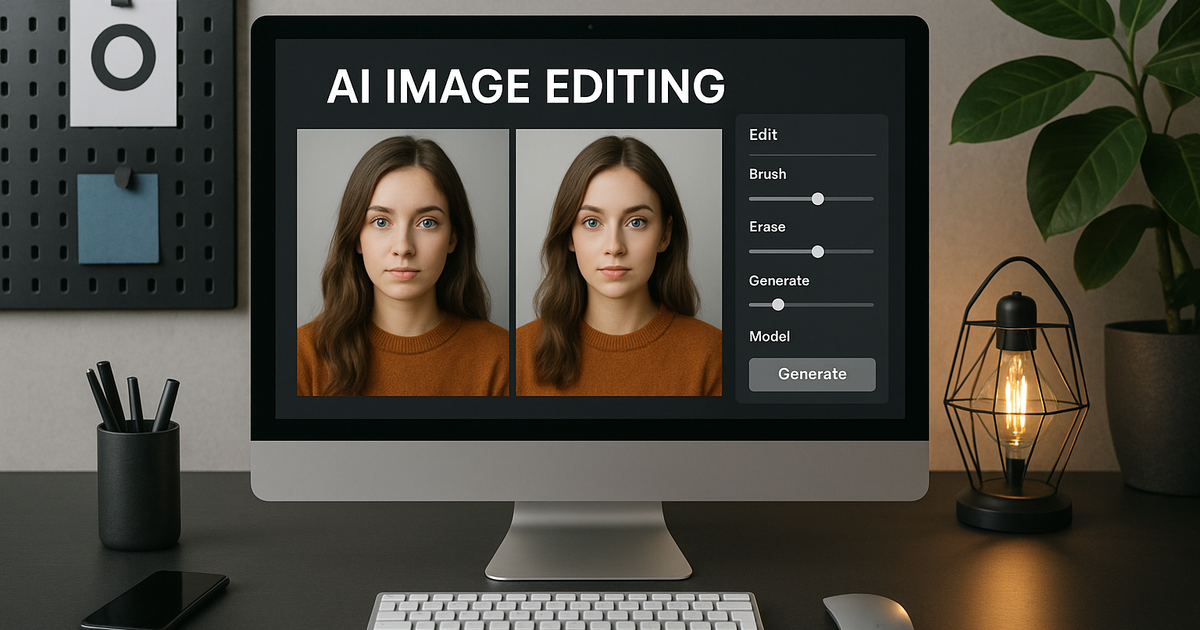
In the world of content creation, visuals play a critical role in engaging audiences and enhancing storytelling. However, high-quality image creation often demands hefty investments in software and resources. Fortunately, free AI image tools offer powerful capabilities without the cost. Let's explore some of the best free AI image tools tailored for creators navigating budget constraints.
Understanding the Importance of AI in Image Creation
AI technologies have revolutionized the way images are created, edited, and enhanced. These tools leverage machine learning algorithms to automate complex processes that once required professional skills. Whether it’s generating art, improving image quality, or creating digital assets, AI tools simplify and accelerate these tasks. For content creators, this means more time to focus on the creative process and less on technical intricacies.
AI tools enhance not only efficiency but also creativity by offering features that were previously exclusive to premium software. They provide a platform where creativity meets technology, allowing creators to push the boundaries of what’s possible in digital content. This technological revolution means even those on a budget can access state-of-the-art tools that enable innovative artistic expression.
Canva: The Multi-Purpose Design Tool
Canva is a popular choice among content creators for its versatile design capabilities. While not strictly an AI tool, it incorporates several AI-powered features. Among these is the Magic Resize tool, which automatically resizes your designs for different platforms, saving time and effort.
Canva's AI features extend to elements like background removal and design suggestions. For creators, this means having a professional-looking design without needing extensive graphic design skills. The platform's free tier offers a robust suite of tools that cover most basic design needs, making it a go-to for creators on a budget.
With a user-friendly interface and extensive template library, Canva serves as an all-in-one creation tool. It's perfect for designing social media graphics, presentations, and other visual content. The free version provides access to essential functionalities that make designing both fun and efficient, making it ideal for those starting or continuing their content creation journey on a limited budget.
DeepArt: Transforming Photos into Art
DeepArt is a unique AI tool that transforms your photos into artworks inspired by famous painters. By leveraging neural networks, DeepArt mimics artistic styles, applying them to your images in a photorealistic manner. This tool is particularly appealing to those who wish to add an artistic flair to their content without investing in expensive graphic design services.
The process is simple: upload your image, choose an art style, and let the AI work its magic. DeepArt can take ordinary photos and make them look like masterpieces reminiscent of Van Gogh or Picasso. Its ease of use ensures that even those with no design background can create stunning visuals.
For budget-conscious creators, DeepArt offers a free version with basic functionalities. While there might be some limitations on image resolution, the tool provides a creative boost to any project. It's perfect for bloggers, marketers, or anyone looking to add a sophisticated edge to their visual content.
Runway ML: Advanced Video Editing on a Budget
Runway ML is an AI-powered video editing tool that stands out for its versatility and advanced capabilities. It allows users to perform tasks like rotoscoping, background removal, and image generation, making it a vital tool for video content creators.
The free version of Runway ML includes select tools that are sufficient for basic editing needs. For more complex projects, Runway offers pay-as-you-go options, so you only pay for what you need. This makes it particularly cost-effective for creators who may not need advanced features all the time.
Runway ML empowers creators to experiment with video content in ways that were previously inaccessible due to cost or complexity. Its AI features streamline traditional video editing tasks, allowing creators to focus on content rather than technical challenges. Whether you’re making YouTube videos or social media content, Runway ML offers powerful tools without the hefty price tag.
Let's Enhance: Boosting Image Quality Effortlessly
Let's Enhance is an AI tool designed for improving image quality effortlessly. It uses advanced algorithms to upscale images, enhance details, and correct colors. This can be particularly useful for creators dealing with low-quality images or needing to upsize images for different platforms.
For budget-conscious creators, Let's Enhance provides a free tier that allows a few enhancements each month. The quality of enhancement and ease of use make it an attractive choice for those looking to improve their images without investing in expensive software.
This tool is especially beneficial for e-commerce sellers, photographers, and digital marketers who need high-quality visuals to make their content pop. With Let's Enhance, even images taken on a smartphone can be refined to a professional standard, making it a must-have tool for enhancing digital content on a budget.
PaintsChainer: AI-Driven Coloring for Artists
PaintsChainer is a fascinating tool that helps artists and illustrators by automating the coloring process. This AI-driven tool is perfect for creators who focus on drawing and sketching and need assistance in adding colors quickly and efficiently.
The tool is straightforward to use; upload a line drawing, and PaintsChainer will automatically color it based on a chosen style or palette. This can be a huge time-saver for artists who want to see their line art come to life rapidly.
PaintsChainer is free and offers basic coloring features. While more intricate customization might require other tools, PaintsChainer provides a quick and creative coloring solution for artists working on a budget, making it an excellent tool for illustrators looking to streamline their workflow.
Removing Backgrounds with Remove.bg
Remove.bg specializes in one task and does it exceptionally well - removing backgrounds from images. This AI-driven tool automates a task that can be cumbersome even with advanced software.
The simplicity of Remove.bg is one of its biggest strengths. Users simply upload an image, and the AI works to remove the background in seconds. This is immensely helpful for e-commerce enthusiasts, marketers, and graphic designers who need clean object cutouts.
Even though the free version has some restrictions on image resolution, the tool remains a favorite for quick, clean background removal without the time-consuming manual process. Its ease of use and effectiveness make Remove.bg an essential addition to any content creator’s toolkit.
Tool | Features | Free Version Limitations |
|---|---|---|
Canva | Design tools, templates | Limited templates and elements |
DeepArt | Style transfer artwork | Limited resolution for free users |
Runway ML | Video editing, effects | Limited project size and exports |
Let's Enhance | Image upscaling | Limited free monthly enhancements |
PaintsChainer | Auto coloring | Basic coloring options only |
Remove.bg | Background removal | Lower-resolution image outputs |
FAQs: Free AI Image Tools
What is the advantage of using AI tools for image creation?
AI tools automate complex tasks like design, enhancement, and editing. They simplify the content creation process, allowing creators to focus more on creativity and less on technical aspects.
Are there limitations to these free AI image tools?
Yes, free versions often come with limitations such as lower resolution, fewer features, or usage caps. However, they still provide substantial value for creators on a budget.
Can AI image tools replace professional graphic design software?
While some AI tools offer advanced capabilities, they may not fully replace traditional software for professionals. They serve as complementary tools that enhance efficiency and creativity.
How do AI image tools support creativity?
AI image tools offer features like style transfer and automatic design suggestions, encouraging creative experimentation and allowing creators to explore different artistic styles easily.
Are these tools suitable for beginners?
Absolutely. These tools are designed with user-friendly interfaces, making them accessible to beginners and those with limited technical skills in graphic design.
Related Articles


Don't miss what ships next
The daily briefing on AI & tech, straight to your inbox.
Written by
Zach GreeneI write about the tools, trends, and breakthroughs shaping the future of AI, breaking down complex ideas into clear, actionable insights. From emerging startups to the latest in AI tech, I focus on what actually matters and what’s worth paying attention to. My goal is to help you stay ahead in a rapidly evolving space.